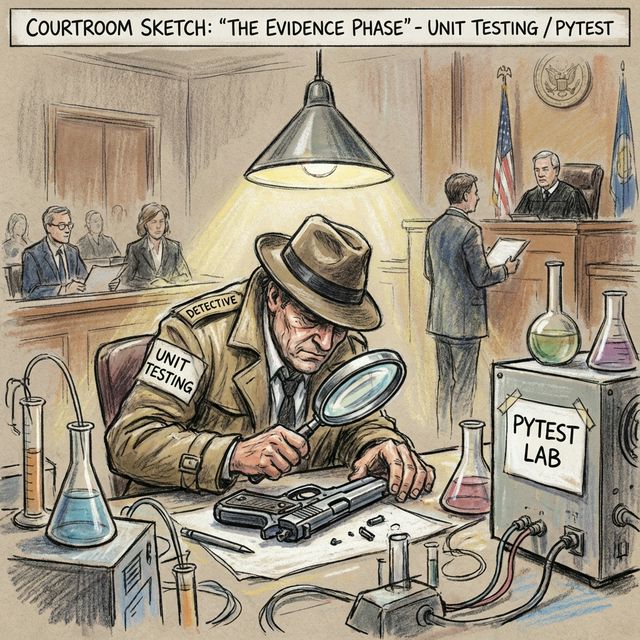
許多新手害怕寫測試,覺得那是浪費時間。事實上,不寫測試才是浪費生命。
想像一下,你改了一行扣,結果兩個月後才發現壞了另一個功能,那時你還記得你改了什麼嗎?自動化測試就是你的「安全網」,讓你可以放心地重構程式碼。
Python 內建有 unittest 模組,但它的語法繁瑣 (寫起來很像 Java)。現代 Python 專案幾乎都使用 pytest。
1. 安裝與執行
pip install pytest
2. 第一個測試
pytest 的魔力在於它極簡。你不需要繼承任何類別,只要寫一個以 test_ 開頭的函式,並使用標準的 assert 即可。
# calculator.py
def add(a, b):
    return a + b

# test_calculator.py
from calculator import add

def test_add():
    assert add(1, 2) == 3
    assert add(-1, 1) == 0
    assert add(0, 0) == 0
執行測試:
pytest
就這樣!pytest 會自動搜尋當前目錄下所有 test_*.py 檔案並執行。
3. Fixture:測試前的準備
有時候每個測試都需要一些準備工作 (Setup) 和善後工作 (Teardown),例如連線資料庫。pytest.fixture 完美解決了這個問題。
import pytest

@pytest.fixture
def sample_data():
    print("\n[Setup] 準備資料...")
    data = {"name": "Alice", "age": 20}
    yield data # 測試執行時,會拿到這個 data
    print("\n[Teardown] 清理資料...") # 測試結束後執行

def test_user_age(sample_data):
    assert sample_data['age'] == 20

def test_user_name(sample_data):
    assert sample_data['name'] == "Alice"
4. Parametrize:參數化測試
如果你想用不同的輸入測試同一個邏輯,不要複製貼上測試程式碼,使用 @pytest.mark.parametrize。
# 測試判斷偶數的函式
def is_even(n):
    return n % 2 == 0

@pytest.mark.parametrize("number, expected", [
    (2, True),
    (3, False),
    (0, True),
    (-2, True),
    (-9, False)
])
def test_is_even(number, expected):
    assert is_even(number) == expected
這樣 pytest 會把它視為 5 個獨立的測試案例來報表。
5. TDD:測試驅動開發
TDD (Test-Driven Development) 是一種開發流程:
- Red: 先寫一個會失敗的測試 (因為功能還沒寫)。
- Green: 寫出最簡單的程式碼讓測試通過。
- Refactor: 重構程式碼,優化品質 (此時有測試保護)。
這種方式強迫你先思考「介面」和「預期行為」,再思考「實作」,往往能設計出更好的 API。
6. 總結
- pytest 是 Python 測試首選。
- 用
assert驗證結果。 - 用 Fixture 管理前置作業。
- 用 Parametrize 減少重複代碼。
下一章,我們將學習當測試抓不到 bug 時該怎麼辦——進階 Logging 與 Debugging 技巧!
延伸閱讀: